 Continuing Legal Education (MCLE) in California, MCLE Los Angeles, CLE Orange County, Irvine & San Francisco

Google has added the ability to insert images in Google Docs Documents by dragging and dropping an image from your computer.
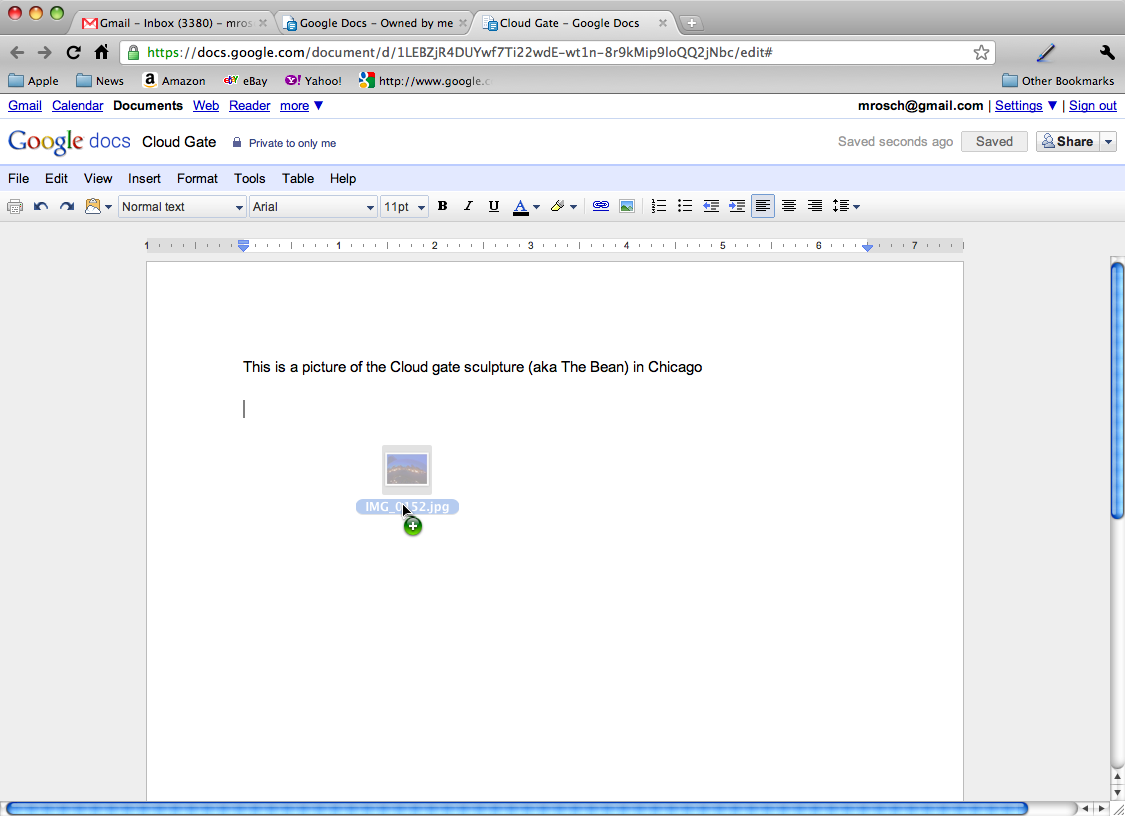
Google Docs users could already add images to their documents using the "Insert" menu to select images from their hard drives, by URL, or via a Google Image search to include. (And this method continues to be available.)
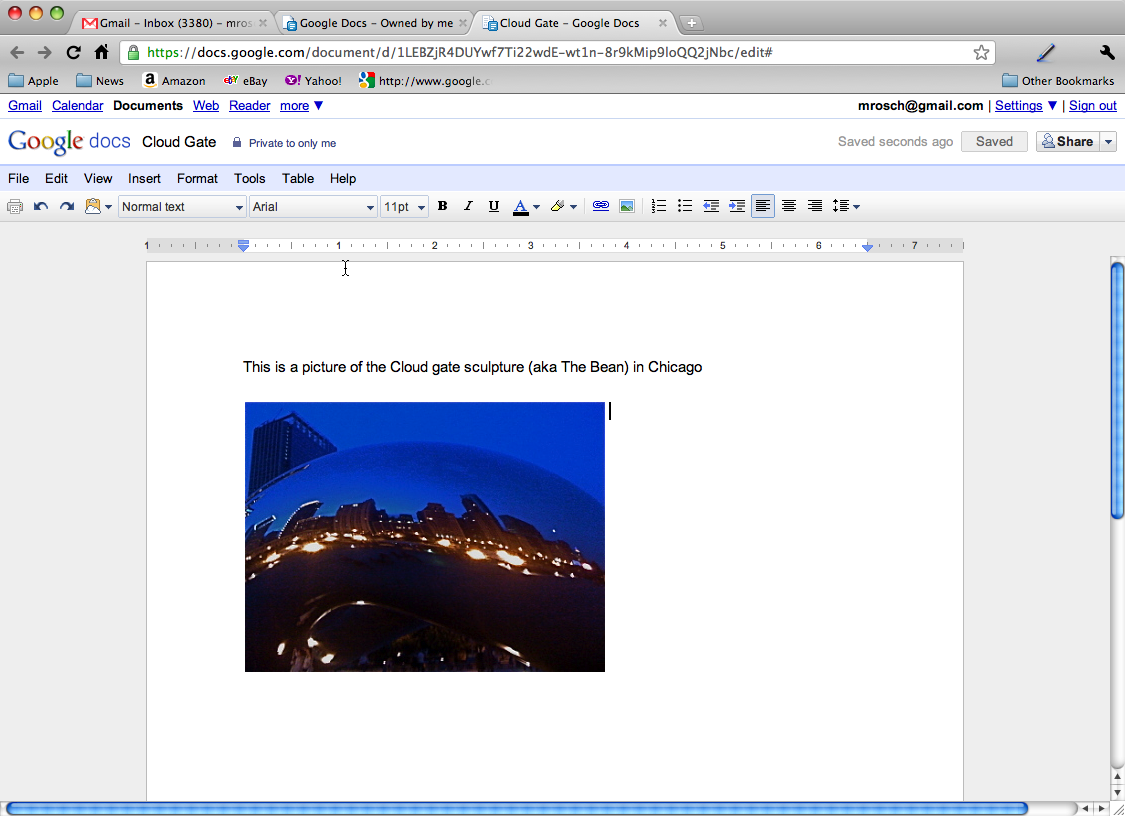
Currently, the feature works only with the latest version of the Chrome, Firefox, and Safari Web browsers. (Sorry Internet Explorer – although google promises to "enable it on other browsers as soon as they support the feature.")